Virtual GGR - FAQ
Take a fix, get your position, and navigate in the GGR. Here is a quick video showing the absolute essentials: https://youtu.be/TmqoczJFxDs
Otherwise, read on: How to join and race the Virtual Golden Globe Race on FairWinds.
Virtual GGR — quick tips on the race
-
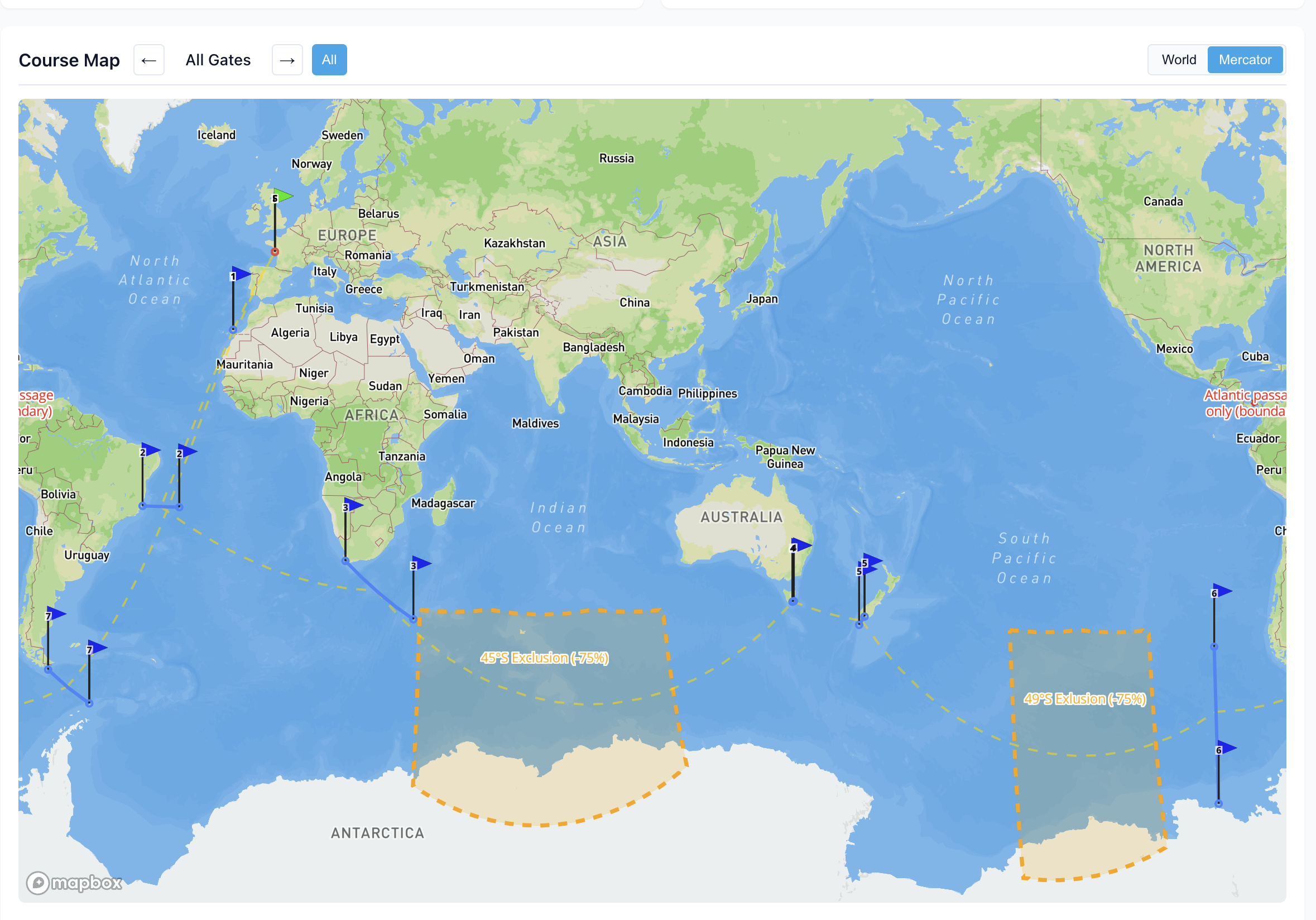
The Virtual GGR follows the same course as the real sailors. There is 1) a full round-the-world and 2) a per-leg series for those who want to join along the way. Each new leg will be posted based on the real sailors' positions as they approach that section.
To see the round-the-world course, click Show course map at the bottom of the race detail page.
-
Why can't I zoom out? Unlike other router-based virtual races, in celestial nav races, you cannot zoom out to see your exact position. The idea is you have access to to the same information as the real sailors, with a ~20nm view of the wind and waves around you. You need to use the 'Chart' view to plot your fix and figure out your course.
-
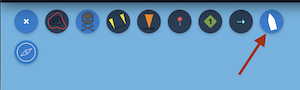
Everyone starts at the same time on Sept 6. To hide all the other boats, toggle off the Boats button in the tools menu. To choose your position on the start line just click the "A", "B", or "M" buttons.
-
Your positions in the public tracker are delayed 24 hours, so worst case you can't get too lost.
-
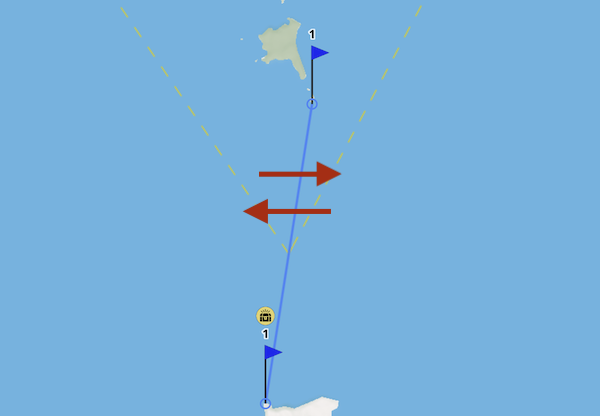
Waypoints are set up as wide gates. Cross through them in any direction to mark them as complete.
-
No routers. No GPS browser hacking. Obvious violations will be cause for forced DNF.
-
Wave simulation is enabled and will impact your boat when they reach >3 meters. They can be viewed with the Waves button in the wind controls. See the Waves page for more detail on how they impact your boat.
-
Important pages:
- Global wind and wave patterns can be viewed in the FairWinds wind/map page at https://fairwinds.world/wind/map
- The celestial navigation sky viewer is at https://fairwinds.world/sky . Be sure to change your location so it is connected to the GGR race.
-
Ask for help! FairWinds has a dedicated multi-lingual #golden-globe-2026 channel on the Discord with many people willing to answer questions.
Learning FairWinds
- Cel nav 10 minute example: https://youtu.be/TmqoczJFxDs
- Quick start
- VIDEO — Learning the race viewer controls
- VIDEO — Intro to cel nav in FairWinds